Appointment Event
The appointment event fires every time an appointment is created, updated, or deleted in myKaarma. The payload extends the myKaarma Appointment API response — full field documentation for appointmentInfoResponse is available here.
Use the event and newStatus fields to determine what changed and filter to the cases relevant to your integration.
Important Note on Duplicate Events
For a single appointment create or update from myKaarma you will receive two events over the webhook:
- The first is triggered by myKaarma itself (e.g.
CREATEDorRESCHEDULED). - The second is triggered by the DMS acknowledging the change (e.g.
UPDATEDwith a DMS-assigned key).
Field Reference
payloadTop-level payload for the appointment event.
In the actual webhook delivery, payload is a stringified JSON string (not an object). The example above shows it as a parsed object for readability.
How to Test an Appointment Event
Login to https://app.mykaarma.com using the user credentials provided to you.
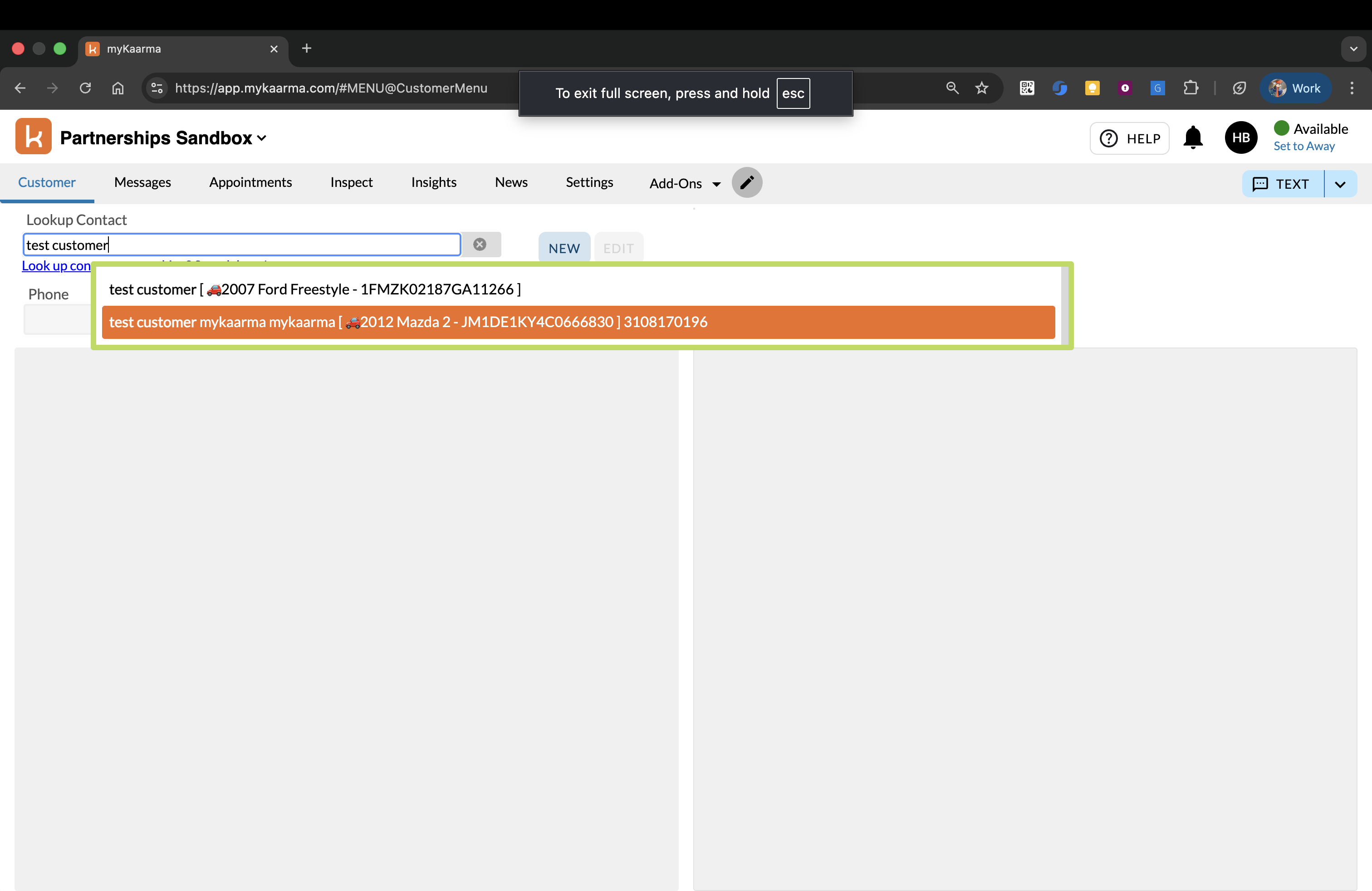
In the Customer tab, search for and select the customer you want to create/edit an appointment for:
If the vehicle you want to schedule the appointment for is not already linked to the customer, please click
Add Vehiclebutton on the top right.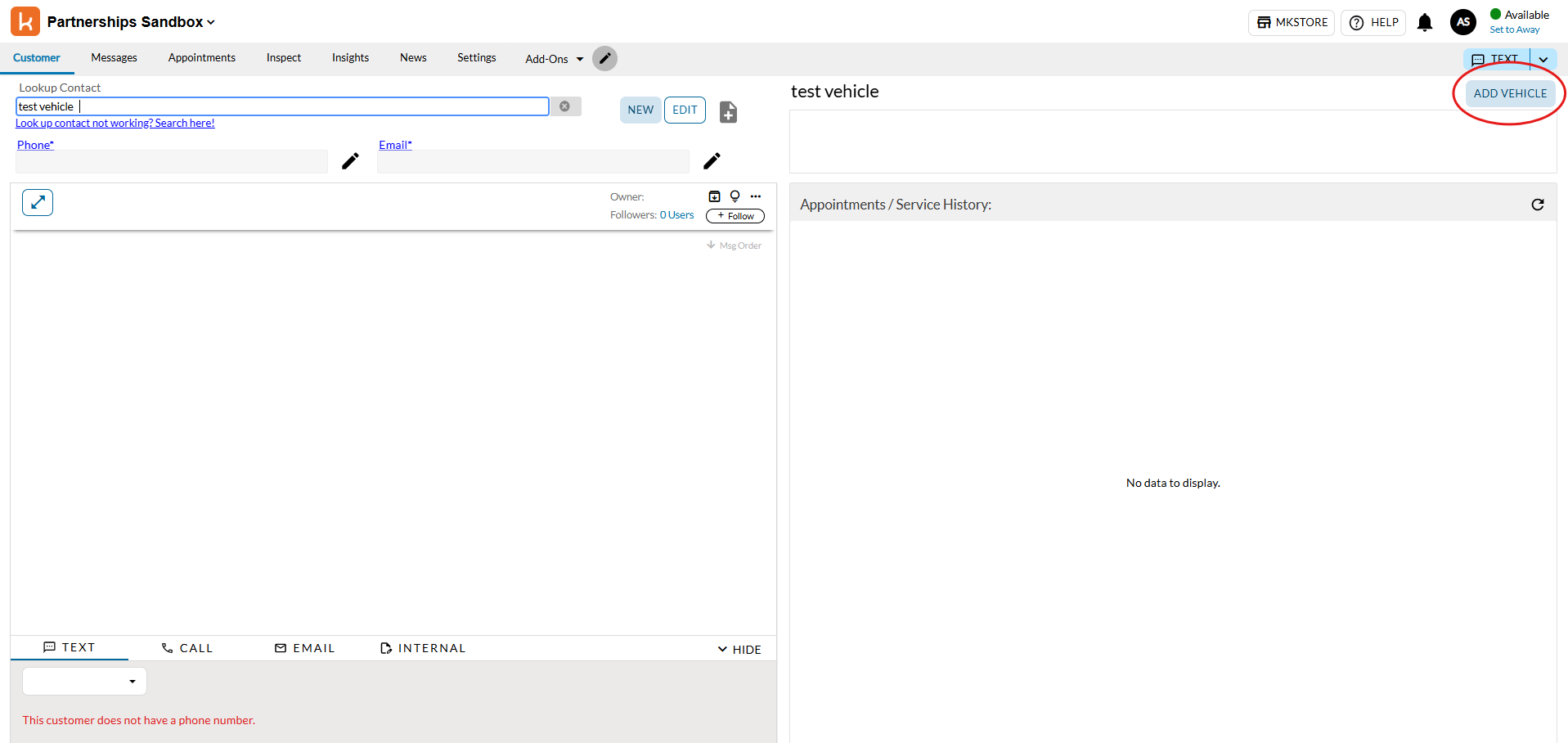
Paste in your VIN (or a randomly generated VIN) and fill in the
Enter VINtextbox, and clickAdd To Customer. Now the customer has a vehicle attached.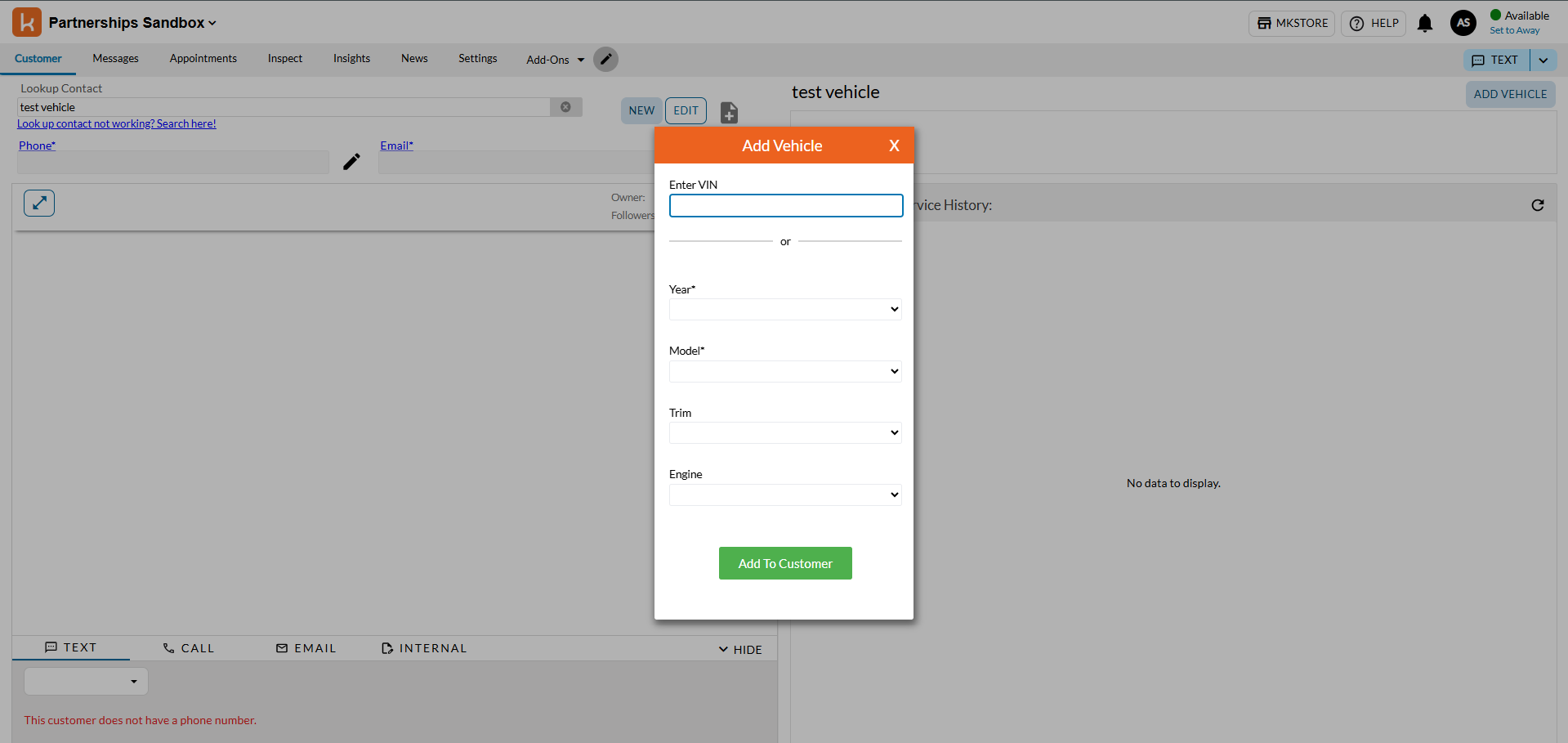
For the vehicle you want to schedule an appointment for, click on the Create Appointment button:
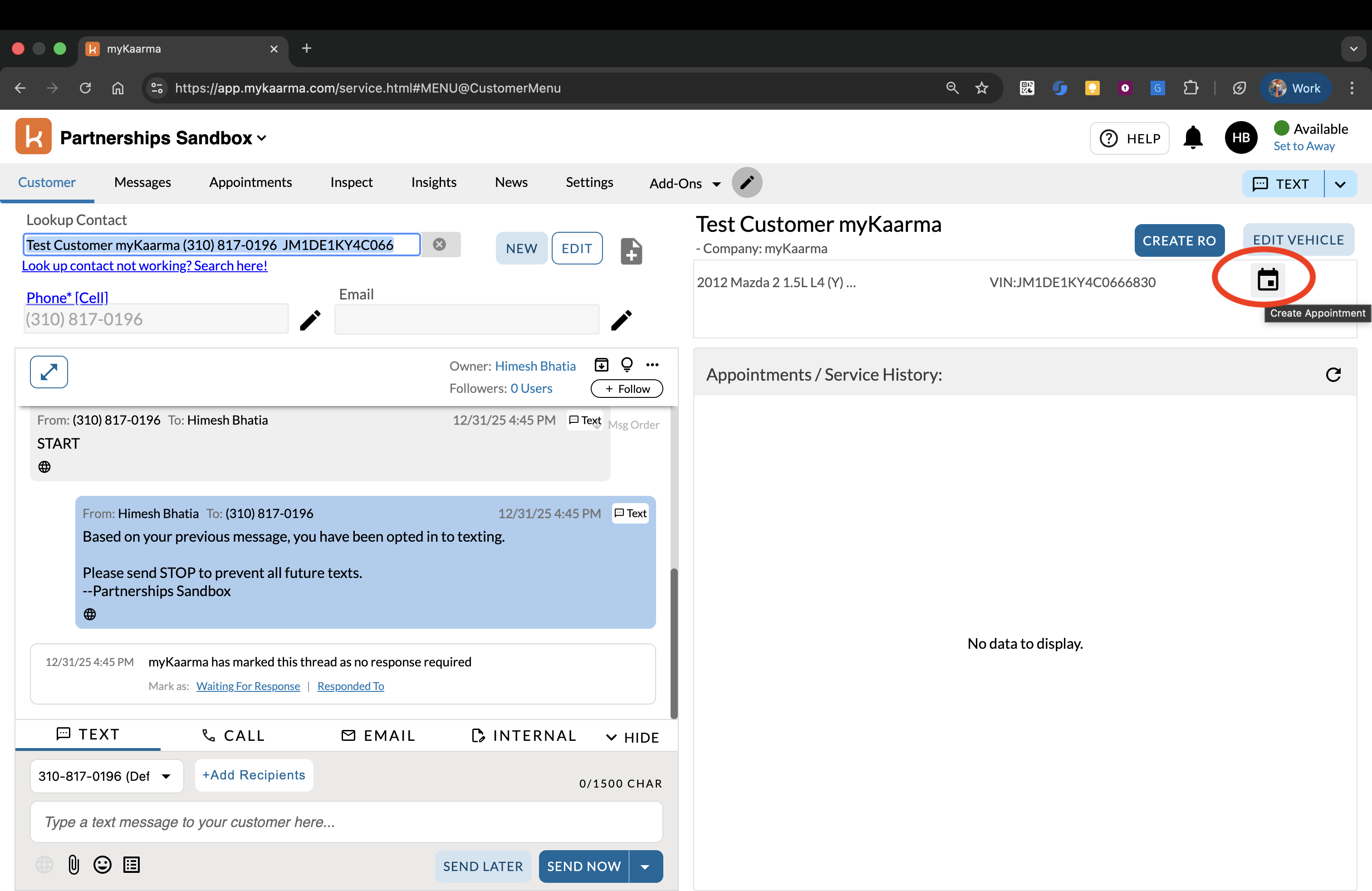
Fill in the details like mileage, opcodes, notes, then select the transport option and advisor and pick a slot, and click on the Schedule button:
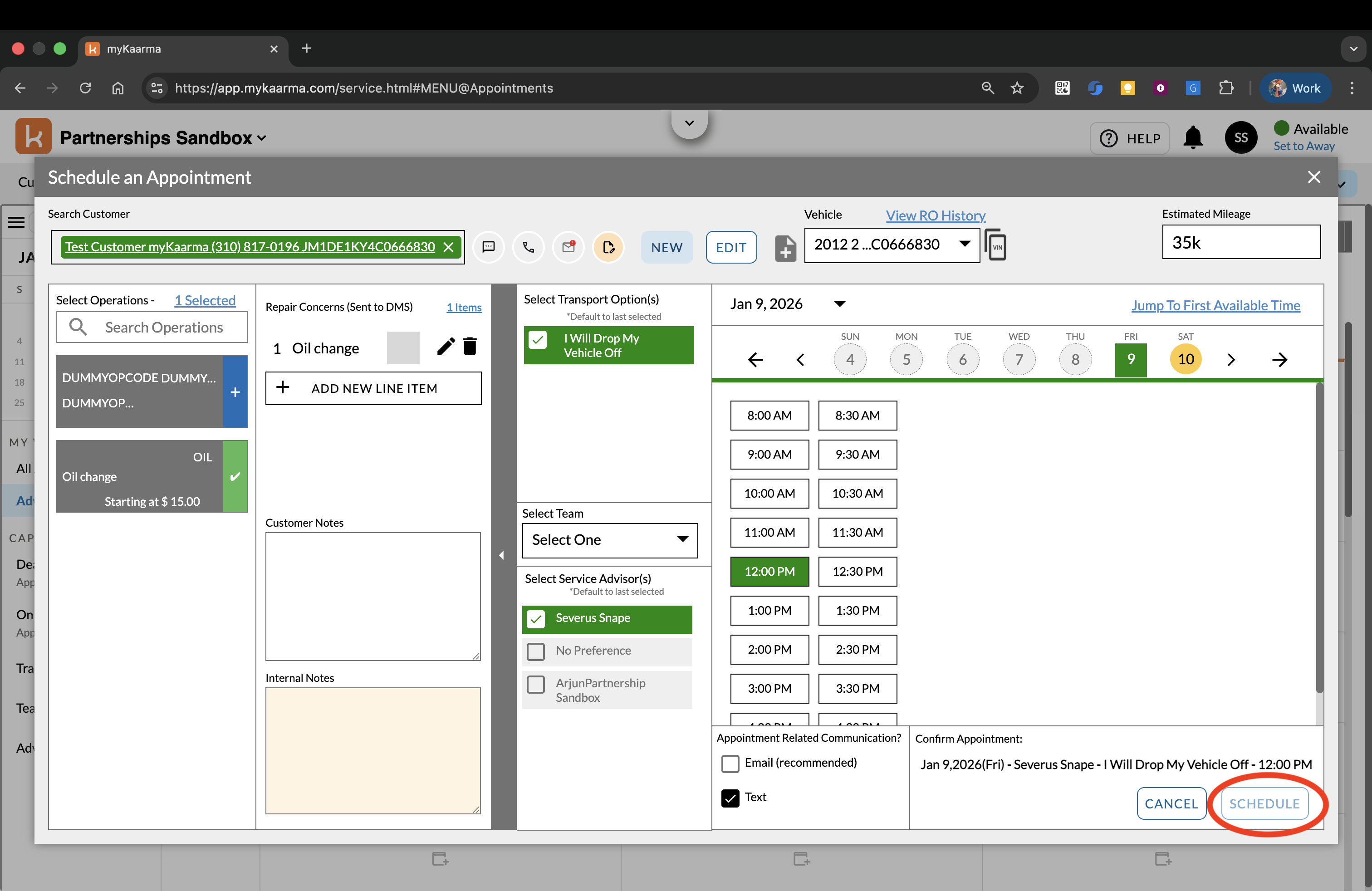
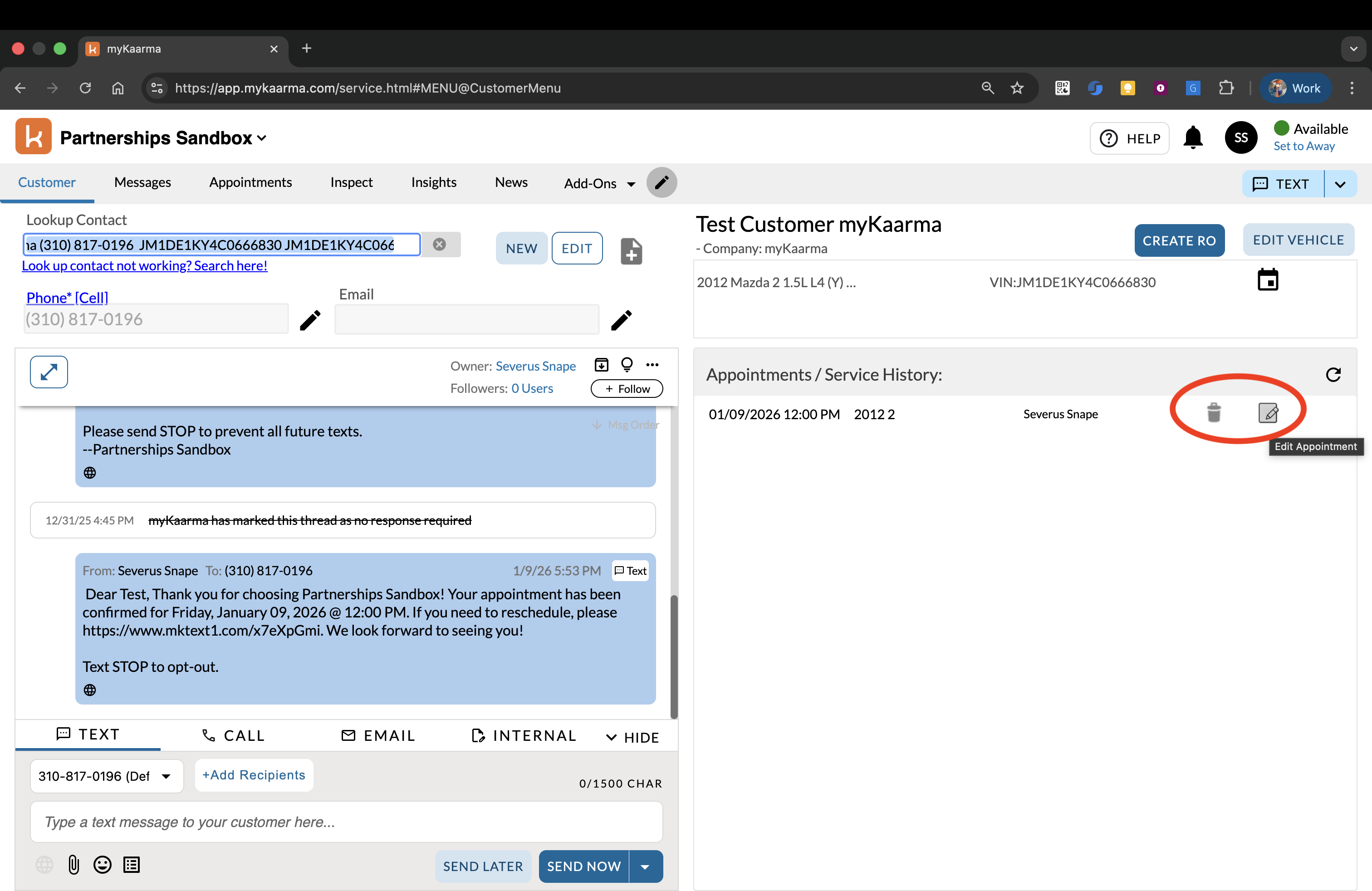
The appointment will be created and you should receive an event on your webhook URL. You'll be able to see the appointment in the Customer tab with edit and delete buttons (both also raise webhook events):
FAQ
Which appointment update events will be sent to the third party?
All appointment updates for the dealers that the third party subscribes to in the context of myKaarma webhooks.
Why am I receiving multiple appointment events for a single create/update?
- For a single appointment update from myKaarma, you will receive two appointment events over the webhook.
- This happens because every time an appointment is created/updated from myKaarma, the latest details are pushed to DMS, prompting DMS to send another update event, which triggers the second event over the webhook.
- When an appointment is created from myKaarma, you will receive a SCHEDULED event (due to myKaarma creation) and an UPDATED event (due to the DMS update), for example, when an appointment key is provided by DMS.